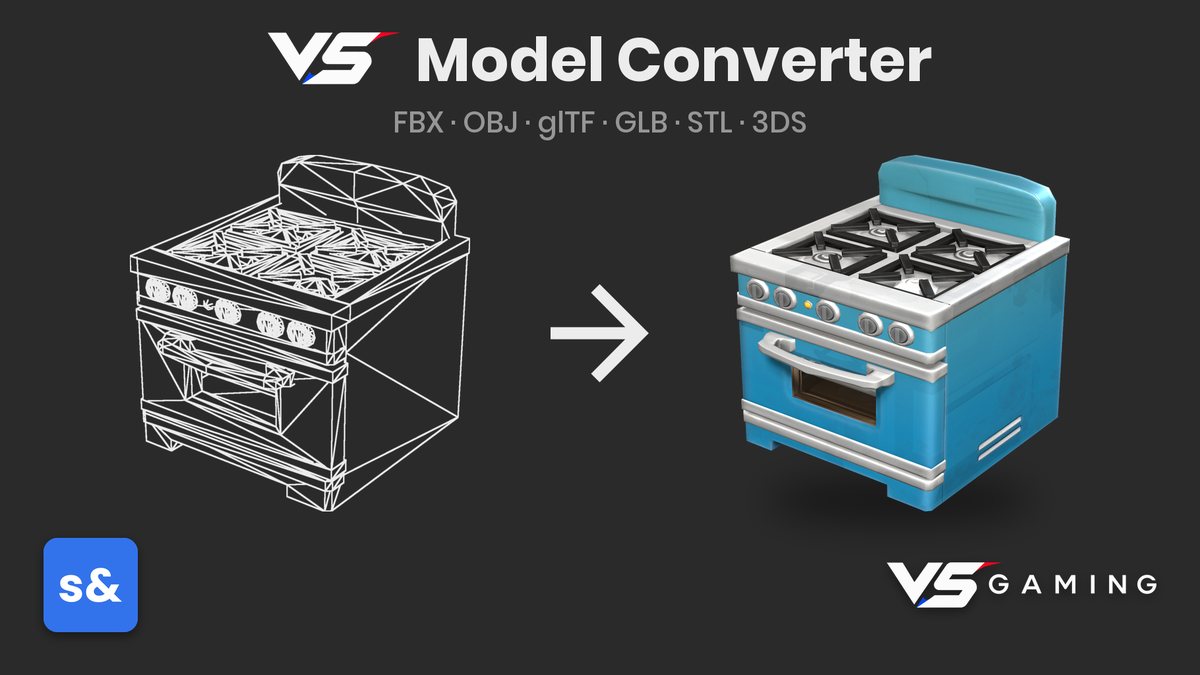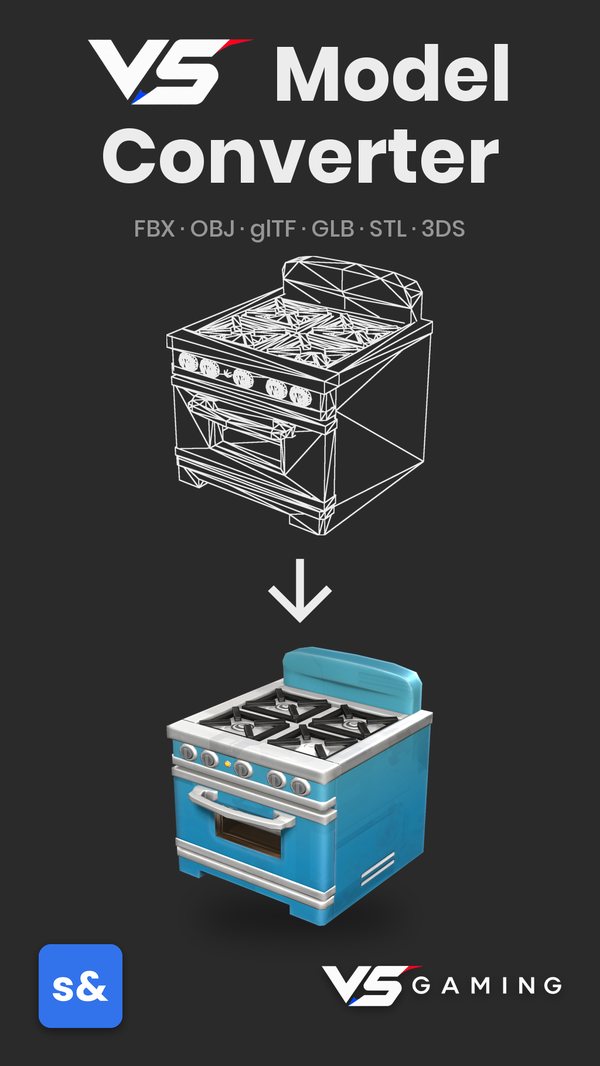

Pick a model from anywhere on your computer, choose its scale, rotation and collision, and press Convert. VS Model Converter copies it into your project, writes a fully set-up .vmdl and compiles it.
The original and the converted model spin side by side, so you can see exactly what you are getting before you use it. The result is a normal .vmdl, so you can keep working on it in s&box's own Model Editor.
What you get
Many formats
FBX, OBJ and DMX go straight in. glTF, GLB, STL and 3DS are translated for you, textures and PBR maps included.
The right settings, picked for you
Choosing a file sets the usual scale and up-axis fixes for that format.
Collision built in
A cheap convex hull for props, or an exact mesh for scenery you can walk inside.
Side-by-side preview
Orbit and zoom the original and the result before you commit.
Huge meshes made game-ready
Film and scan-grade models are cut down to a game-friendly size in the background.
Media